
Shopify DIY Tagging Packs.
Done in an afternoon.
A ready-to-import Google Tag Manager container, Shopify data layer and Customer Events pixel for GA4, Google Ads, Meta, TikTok and Pinterest. Drop it in, follow the instructions, ship clean data.
Shopify DIY Tagging Packs - Basic
Essential Shopify tagging - installed in minutes.
- ✓Ready-to-import GTM container (you own it)
- ✓Shopify Customer Events + data layer setup
- ✓GA4 ecommerce + Google Ads conversion tracking
- ✓Enhanced Conversions for Google Ads
- ✓Full event set: page_view, view_item, add_to_cart, begin_checkout, purchase + more
- ✓Product-level params, revenue & transaction tracking
- ✓Consent Mode GTM container included
- ✓Testing & validation guidance
- ✓30 min implementation support
- ✓One pack per license
Instant delivery · License key emailed · One-time download
Shopify DIY Tagging Packs - Comprehensive
Full-funnel tracking. Built for serious operators.
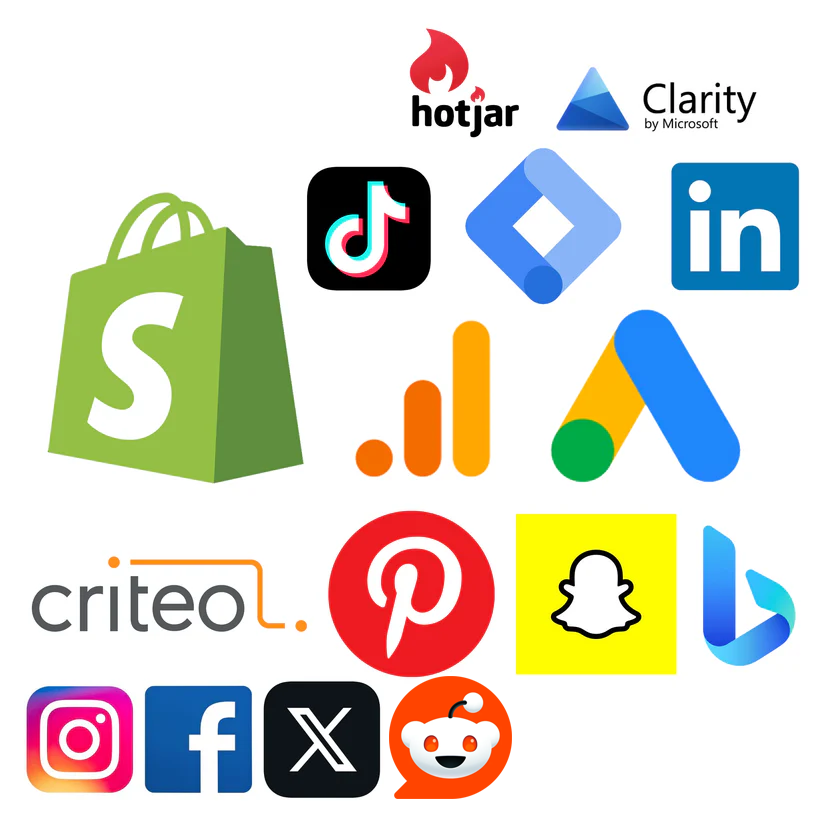
- ✓Everything in Basic, plus:
- ✓13+ platforms: GA4, Google Ads, Meta, Microsoft Ads, Clarity, TikTok, Pinterest, LinkedIn, X, Snapchat, Criteo, Hotjar
- ✓Consent-aware tag firing + Consent Mode
- ✓Enhanced Conversions across platforms
- ✓Advanced data layer + GTM architecture
- ✓CMP-compatible: Enzuzo, Iubenda, CookieYes, OneTrust, Cookiebot
- ✓30 min implementation support
- ✓One pack per license
Instant delivery · License key emailed · One-time download
Pick your pack
Basic for foundations, Comprehensive for full-funnel.
Pay once
Pay securely via Stripe. You'll receive a unique license key by email - it unlocks a single, one-time download of your .zip (code + step-by-step install instructions). One pack per license.
Install
Follow the included guide. Live in under 60 minutes.
Everything Shopify tracking needs, in one Google Tag Manager setup
Tracking a Shopify store properly takes three things working together: Google Tag Manager in your theme, a data layer that describes what shoppers do, and a Customer Events pixel so checkout and purchases are captured too. The packs give you all three, tested, so GA4, Google Ads and your ad platforms see the same clean data.
Google Tag Manager container
A ready-to-import GTM container with tags, triggers and variables already built. You import it into your own account and own it from day one.
Read the guideShopify data layer
A tested dataLayer snippet for your theme that pushes GA4 ecommerce events with clean product, cart and order data.
Read the guideShopify Customer Events pixel
A custom pixel that brings checkout and purchase data into Google Tag Manager, where theme code cannot reach.
Read the guideGA4 ecommerce tracking
The full event set: view_item, add_to_cart, begin_checkout, add_payment_info, purchase and more, with product-level parameters.
Read the guideGoogle Ads and Enhanced Conversions
Purchase conversion tracking with value and order ID, plus Enhanced Conversions for better matching and bidding.
Read the guideConsent Mode v2 ready
A Consent Mode GTM container that works alongside Enzuzo, Iubenda, CookieYes, OneTrust, Cookiebot and similar CMPs.
Read the guide
DIY Tagging Packs vs the Google & YouTube Shopify app or other apps
The native app is convenient, but it hides the tracking logic from you. A GTM + Customer Events setup gives you full ownership, visibility, and room to grow.
- Ownership of tracking logic✓DIY Pack
You own the GTM container and data layer end-to-end
–Native appLogic abstracted away inside the Shopify app
- Visibility of what fires & when✓DIY Pack
Full transparency in GTM preview & debug
–Native appBlack box - limited insight into tag behavior
- Platforms supported✓DIY Pack
13+ in one container: GA4, Google Ads, Meta, TikTok, LinkedIn, Microsoft, Pinterest, Snapchat, Hotjar, Clarity & more
–Native appGoogle & YouTube only - other platforms need separate apps
- Custom GA4 events✓DIY Pack
Add unlimited custom events, funnels, micro-conversions, lead-quality events
–Native appLimited to the app's default event set
- Google Ads conversions✓DIY Pack
Multiple conversion actions, value-based bidding, enhanced conversions, call tracking, secondary conversions
–Native appLocked to the app's default single conversion setup
- Consent Mode & CMP support✓DIY Pack
Consent-aware tag firing - Enzuzo, Iubenda, CookieYes, OneTrust, Cookiebot
–Native appNo consent mode
- Architecture✓DIY Pack
One clean tagging system, easy to audit & expand
–Native appStack of separate apps that can conflict, duplicate, or slow the site
- Long-term scalability✓DIY Pack
Maintainable as the business grows
–Native appHarder to troubleshoot, scale, or migrate later
- Cost✓DIY Pack
One-time payment, yours forever
–Native appFree app - but paid for in lost data quality & flexibility
What people are saying
Verified Google reviews from paying customers, plus selected comments on the YouTube tutorials these packs are built from.
- ★★★★★Google
"The product is awesome - just buy the product and you're set up within 5-7 minutes. What stands out is - the guy is willing to spend time on helping one set up if need be. But that hardly is the case since the product is super awesome."
Harsh Tayal · Local Guide · 5★ - ★★★★★Google
"Triangle digital provides and excellent product and service. I was very pleased with the outcome and support provided by their team. They know their stuff when it comes to Google Tag Manager and analytics. Highly recommend!"
Mark Kubala · 5★ - ★★★★★Google
"Triangle Digital fixed a Google tag issue in my Ads campaign that Google tech reps created and ignored. Professional, patient, and thorough. Highly recommend!"
Jamieson DeCubellis · Local Guide · 5★ - ★★★★★Google
"Great code and excellent support!"
Paul Geller · 5★ - ★★★★★YouTube
"Wow, this was amazing! Thanks, this was an immense help and works perfectly."
@pianokylemac - ★★★★★YouTube
"Great explainer on implementing this with ease. Thank you."
@robsandersppc - ★★★★★YouTube
"Thank you for sharing the process on the new checkout sequence!"
@joeybidner - ★★★★★YouTube
"You helped me a lot! Amazing!"
@leocsttt - ★★★★★YouTube
"Thank you very much, that's really nice you shared your code."
@mehmeterenkose3018 - ★★★★★YouTube
"I used Alessandro's customer events tags and they work great. We had a video chat to check everything and he helped me correct a few things that I had setup wrong. Awesome stuff!"
@johngrimes9599 - ★★★★★YouTube
"It's tracking conversions perfectly on my Google campaigns. Thank you!"
@klyons731 - ★★★★★YouTube
"WOW! Gigantic big thanks!"
@Maximilian-z1k
Shopify tracking guides: GTM, data layer, GA4 and Google Ads
Free, practical answers to the questions Shopify merchants ask about tracking.
- How to Set Up Google Tag Manager on Shopify
- Shopify Data Layer Guide for GTM and GA4 Ecommerce
- Shopify Customer Events Custom Pixel for GTM
- Shopify GA4 Ecommerce Tracking Setup with GTM
- Shopify Google Ads Conversion Tracking with GTM
- Shopify: GTM vs the Google & YouTube App
- Shopify Consent Mode v2 Setup with Google Tag Manager
- Shopify Meta, TikTok & Pinterest Tracking via GTM
- Debug Shopify Tracking: GTM, GA4 and Google Ads
- Shopify Tracking Setup: DIY vs Agency vs App